Have you ever wanted an emoji that shows two feelings at once? That is where Emoji Kitchen Gboard becomes useful. This fun Google feature lets you mix emojis and turn them into creative stickers.
People search for Emoji Kitchen Gboard because they want to know what Emoji Kitchen is, how to use it, where to find it, and whether it works on their phone. Some users also confuse Emoji Kitchen with normal emojis or think it creates new official Unicode emojis. It does not. Instead, it creates special sticker-style combinations.
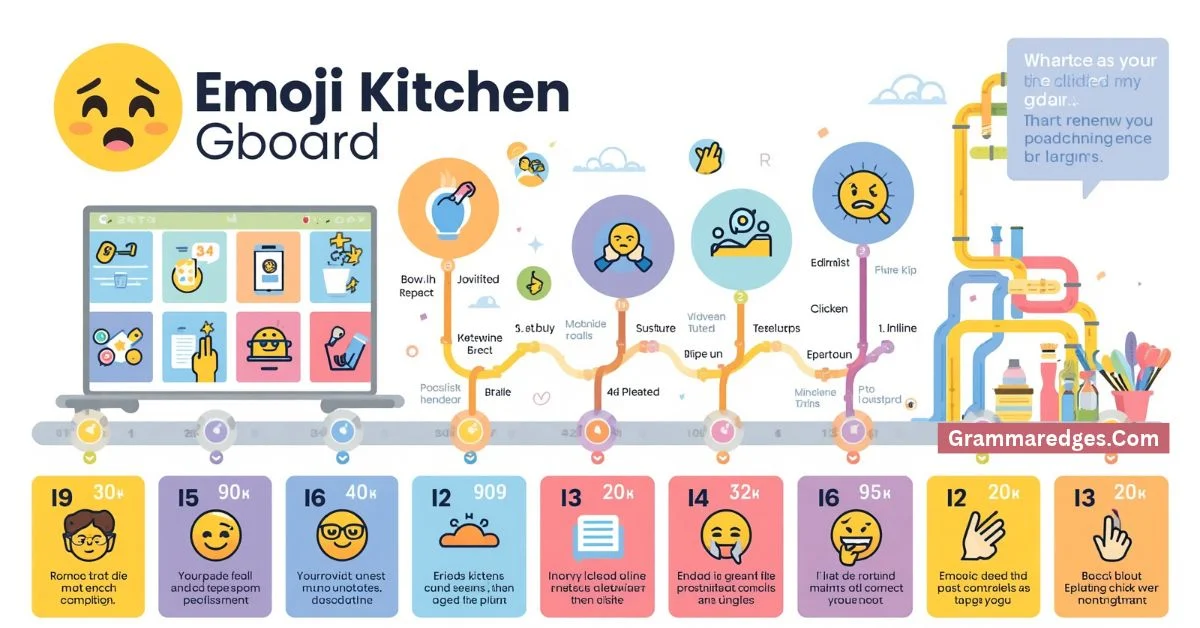
Google launched Emoji Kitchen in 2020 as part of Gboard on Android. The first version offered hand-drawn combinations made by Google designers. Over time, the library grew from a few thousand combinations to more than 100,000 drawings. Google also expanded Emoji Kitchen beyond Gboard, including access through Google Search.
This guide gives you a simple answer first, then explains its history, spelling, common mistakes, examples, usage, and popular searches.
Emoji Kitchen Gboard – Quick Answer
Emoji Kitchen Gboard is a Google feature that combines selected emojis into creative sticker-like designs.
For example, you might combine:
- 😂 + ❤️ = a playful love-themed design
- 🐸 + 🍞 = a frog-bread style sticker
- 📸 + 🤯 = a surprised camera-themed design
The result is not a new official Unicode emoji. It is a custom sticker or visual mashup created by Google’s Emoji Kitchen system.
To use it on a supported Android phone, open an app where you can type, open Gboard, tap the emoji option, and look for available Emoji Kitchen combinations. Google has also added ways to browse and favorite Emoji Kitchen stickers in newer Gboard experiences.
Emoji Kitchen can be especially useful when one emoji does not fully express what you want to say.
The Origin of Emoji Kitchen Gboard
The name Emoji Kitchen comes from the idea of treating emojis like ingredients. You choose emojis, mix them together, and get a new visual “recipe.”
Google introduced Emoji Kitchen in February 2020. The feature was designed for Gboard users on Android and created custom stickers from combinations of familiar emojis. Google described the first collection as hand-crafted designs made by its emoji designers.
The feature became popular quickly. By December 2020, Google said users had shared more than 3 billion Emoji Kitchen stickers. At the same time, Google expanded the feature to more than 14,000 combinations.
The feature continued to grow. In 2024, Google said Emoji Kitchen had more than 100,000 drawings. It also became available through Google Search, where users could choose a “combine” option or explore possible combinations.
So, the origin of the term is not related to British or American spelling. Emoji Kitchen is simply Google’s name for its emoji-mixing feature.
British English vs American English Spelling
There is no important British-versus-American spelling difference for Emoji Kitchen Gboard.
The words emoji, kitchen, and Gboard keep the same spelling in both British and American English.
| Term | British English | American English |
|---|---|---|
| emoji | emoji | emoji |
| kitchen | kitchen | kitchen |
| Gboard | Gboard | Gboard |
| Emoji Kitchen | Emoji Kitchen | Emoji Kitchen |
| emoji sticker | emoji sticker | emoji sticker |
| emoji combination | emoji combination | emoji combination |
Some technology terms do have spelling differences between British and American English. For example, “customise” is common in British English, while “customize” is common in American English.
That difference does not change the spelling of Emoji Kitchen Gboard.
Is “Emoji Kitchen” one word?
No. The official name is written as Emoji Kitchen, with two words.
Writing “EmojiKitchen” is not the standard name.
Is “Gboard” written with a capital letter?
Yes. Gboard is Google’s keyboard name and is normally written with a capital G followed by lowercase letters.
Which Spelling Should You Use?
Use Emoji Kitchen Gboard when you want the clearest and most recognizable phrase.
For a US audience, use:
Emoji Kitchen Gboard
For a UK or Commonwealth audience, use the same spelling:
Emoji Kitchen Gboard
For a global audience, the same version is also best.
You may see variations such as “Gboard Emoji Kitchen,” “Emoji Kitchen,” or “Emoji Kitchen stickers.” These can all make sense, but they are slightly different phrases.
If you are writing a guide, Emoji Kitchen Gboard works well when your topic is specifically about using the feature through Google’s keyboard.
If your article is about the web version, simply using Emoji Kitchen may be clearer because Google has expanded the feature beyond Gboard.
Common Mistakes with Emoji Kitchen Gboard
Many searches for Emoji Kitchen come from simple misunderstandings. Here are the most common ones.
Mistake 1: Calling every combination a new emoji
Emoji Kitchen creations are not necessarily new Unicode emojis.
They are special visual designs or stickers made from emoji ideas.
Mistake 2: Writing “EmojiKitchen”
The official name is Emoji Kitchen, not “EmojiKitchen.”
Mistake 3: Thinking every emoji can be combined
Not every emoji produces every possible combination. Available designs depend on Google’s Emoji Kitchen library and supported combinations.
Mistake 4: Assuming it only works on every keyboard
Emoji Kitchen started with Gboard on Android. Its availability and features can vary by device, app, language, and software version.
Mistake 5: Confusing Gboard with the emoji standard
Gboard is Google’s keyboard app. Unicode is the standard that defines emoji characters.
Emoji Kitchen is a Google feature that creates additional visual combinations. It is not the same thing as adding a new Unicode character.
Mistake 6: Expecting the same design everywhere
Emoji and sticker designs can look different across apps and platforms.
Emoji Kitchen creations are also different from standard emoji characters.
Emoji Kitchen Gboard in Everyday Examples
You can use the phrase Emoji Kitchen Gboard in many types of writing.
In an email
“Try Emoji Kitchen Gboard if you want to add a fun sticker to your message.”
This is casual and works well for a friendly email.
In a technology article
“Emoji Kitchen Gboard lets Android users create creative sticker combinations from supported emojis.”
This is clear enough for a general technology audience.
On social media
“Found a hilarious Emoji Kitchen combo today 😂🔥”
Social media language can be shorter and more playful.
In a formal article
“Google’s Emoji Kitchen feature allows users to create visual sticker combinations from selected emojis.”
This version is better for professional writing because it explains the feature rather than relying only on the product name.
In a search query
People may search for:
- Emoji Kitchen Gboard
- Emoji Kitchen Gboard Android
- How to use Emoji Kitchen
- Gboard Emoji Kitchen stickers
- Emoji Kitchen combinations
- Emoji Kitchen online
- Google Emoji Kitchen
- How to get Emoji Kitchen on Gboard
These searches show that users usually want instructions, combinations, or information about availability.
Emoji Kitchen Gboard – Google Trends & Usage Data
Interest in Emoji Kitchen Gboard is closely linked to searches for Android keyboards, emoji combinations, stickers, and Google’s Emoji Kitchen feature.
Google Trends is useful for checking search interest by country, time, and related queries. However, search interest changes over time, and Google Trends should not be treated as a fixed worldwide popularity ranking. The Google Trends platform itself provides tools for exploring search interest across locations and periods.
The history of Emoji Kitchen shows several major points of interest.
In 2020, Google launched the feature and quickly expanded its collection. By December that year, Google reported more than 3 billion shared stickers and more than 14,000 combinations.
In 2022, Google continued adding thousands of new mashups. One update added more than 2,000 new combinations.
By 2024, Google reported more than 100,000 Emoji Kitchen drawings and announced that Emoji Kitchen was available through Google Search as well as its earlier Gboard experience.
In 2025, Google introduced an updated Emoji Kitchen experience that made it easier to browse the sticker library, save favorite options, and explore suggestions.
This history suggests that searches around Emoji Kitchen are not just about one keyboard button. Users are interested in creating, discovering, saving, and sharing unusual emoji combinations.
Emoji Kitchen Gboard Variations Compared
| Search phrase | What it usually means | Best use |
| Emoji Kitchen Gboard | Emoji Kitchen through Gboard | Android keyboard searches |
| Gboard Emoji Kitchen | Same feature, different word order | General searches |
| Emoji Kitchen | Google’s emoji-mixing feature | Broad topic |
| Google Emoji Kitchen | Emoji Kitchen made by Google | Brand-focused searches |
| Emoji Kitchen stickers | The visual results created by the feature | Sticker searches |
| Emoji Kitchen combinations | Different emoji mashups | Combination ideas |
| Emoji Kitchen online | Web-based Emoji Kitchen experience | Google Search users |
| Emoji mashups | General term for combined emoji designs | Broader topic |
The best phrase depends on what the reader wants. Someone looking for a keyboard feature may search Emoji Kitchen Gboard, while someone looking for a browser tool may search Emoji Kitchen online.
How Does Emoji Kitchen Gboard Work?
The basic idea is simple.
You start with an emoji. Gboard then shows available creative combinations when the feature supports that emoji.
You can select a combination and use the resulting sticker in a compatible conversation.
Google’s later updates have also made browsing easier. Users can explore the Emoji Kitchen library, save favorites, and find suggestions.
The feature has changed over time, so the exact buttons and layout may look different depending on your Gboard version and Android device.
Is Emoji Kitchen the Same as Normal Emojis?
No.
A normal emoji is part of the emoji system supported by Unicode and displayed by operating systems and apps.
An Emoji Kitchen creation is a custom visual combination. It uses familiar emoji ideas but turns them into a new sticker-style design.
This distinction matters because you may not be able to use an Emoji Kitchen creation exactly like a standard emoji character.
Can You Use Emoji Kitchen on iPhone?
Gboard is also available for iPhone and iPad, and Google’s official Gboard help explains how to access emojis and GIFs on iOS.
However, Emoji Kitchen began as an Android Gboard feature, and feature availability can differ across platforms and versions.
If you specifically want the full Emoji Kitchen experience, check the current options available on your device and in your version of Gboard.
FAQs About Emoji Kitchen Gboard
1. What is Emoji Kitchen Gboard?
Emoji Kitchen Gboard is Google’s feature for creating creative sticker combinations from supported emojis. It was first introduced through Gboard on Android in 2020.
2. Is Emoji Kitchen free?
Emoji Kitchen is a Google feature rather than a separate paid emoji pack. Availability can depend on the Google product, device, and software version you use.
3. Is Emoji Kitchen available on Android?
Yes. Emoji Kitchen was originally introduced for Android users through Gboard. Google has continued expanding and updating the feature.
4. Are Emoji Kitchen designs real emojis?
Not in the same sense as standard Unicode emoji characters. Emoji Kitchen creates visual combinations and stickers rather than simply adding a new Unicode character.
5. Why can’t I find Emoji Kitchen in Gboard?
The feature can vary by Gboard version, device, language, app, and rollout. Updating Gboard and checking your emoji options may help.
6. Can I combine any two emojis?
No. Emoji Kitchen does not mean every possible pair has a custom design. Supported combinations depend on Google’s available designs.
7. Can I use Emoji Kitchen online?
Yes. Google expanded Emoji Kitchen to Google Search, where users can mix emojis and explore combinations.
Conclusion
Emoji Kitchen Gboard is more than a simple emoji tool. It gives users a playful way to combine familiar emoji ideas and create sticker-style designs that can express feelings more clearly.
The feature started in 2020 as a Gboard experience on Android. Since then, Google has expanded its collection, added thousands of new combinations, and brought Emoji Kitchen to Google Search. Google reported more than 100,000 drawings by 2024, showing how much the feature has grown.
For spelling, there is no meaningful British-versus-American difference. The clearest form is Emoji Kitchen Gboard, while Gboard Emoji Kitchen and Google Emoji Kitchen can also describe the same general topic.
If you are searching for the feature, focus on your device, Gboard version, and available sticker options. If you are writing about it, explain that Emoji Kitchen creates custom sticker combinations rather than ordinary Unicode emojis.
That simple distinction removes most of the confusion and helps readers understand exactly what Emoji Kitchen Gboard does.